Lighting scenes
Bring several lighting adjustments into a single scene. A dinner setting might soften pendants, reduce overhead light, and keep nearby circulation areas comfortably illuminated.
 239.333.5350 ↗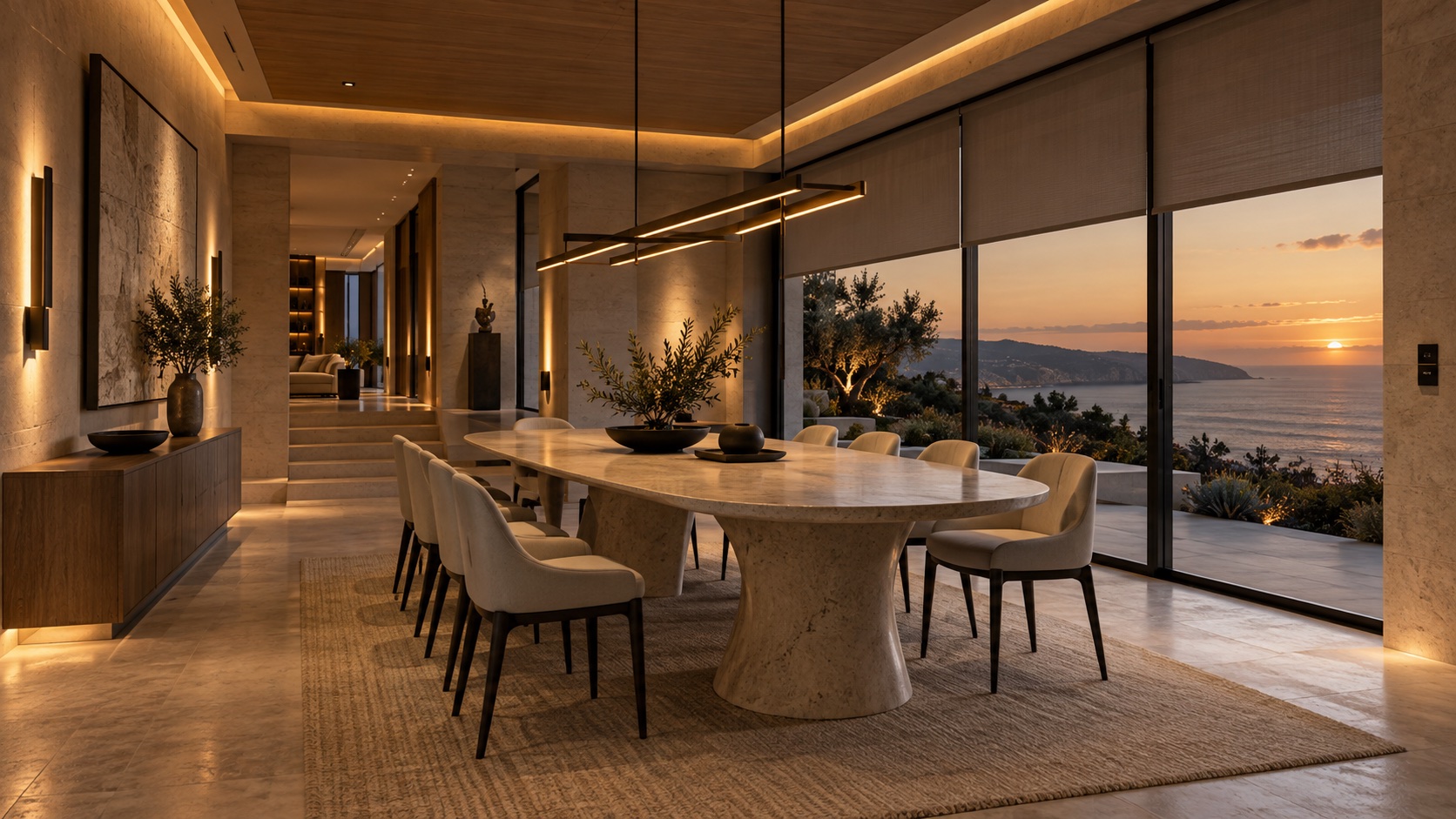
Flagship / Lighting & shades
Change the atmosphere, soften the daylight, and make every room feel right. Lutron RadioRA 3 brings lighting and shades into a thoughtfully controlled home.
Discuss your projectDesigned around you
A room can feel bright and energetic in the morning, relaxed over dinner, and calm at the end of the day. The difference is often the way light is layered and controlled. RadioRA 3 brings compatible lighting, shades, and wireless controls together, with scenes that suit the moments you spend at home.
Begin with a few important rooms or consider the entire residence. The right design accounts for the light fixtures you love, the daylight you receive, and the places where a keypad or dimmer will feel most natural. ModernTech can help you explore that plan before choosing the equipment.
Explore the possibilities
Bring several lighting adjustments into a single scene. A dinner setting might soften pendants, reduce overhead light, and keep nearby circulation areas comfortably illuminated.
Manage privacy and natural light with compatible Lutron shades. Consider window orientation, fabric openness, glare, and the way each room is used throughout the day.
Choose dimmers and keypads that complement the interior. RadioRA 3 offers a range of control styles and finishes, with an app available for convenient adjustments.
RadioRA 3 uses Lutron Clear Connect wireless communication. A considered starting point can leave room to expand into additional rooms as the project evolves.
Life, considered
Examples to shape the conversation. Your scenes and functions are tailored to the equipment and services in your system.
Bring up selected lights and open compatible shades to welcome the day. The scene can be designed around your wake-up routine and privacy preferences.
Lower the intensity around the table while keeping the kitchen and hallways usable. Save the setting so it is easy to return to.
Use scheduled lighting and shade adjustments suited to your routine. Discuss the right automation settings before relying on them while you travel.
Before the equipment
A useful proposal explains what is included, how it will be controlled, and what the design depends on.
Review fixture types, dimming compatibility, wiring, and the switches already in place.
Identify rooms with glare or privacy concerns and the shade fabrics and power options that fit.
Decide which scenes deserve a physical button and which adjustments belong in the app.
A little more clarity
Not necessarily. RadioRA 3 uses wireless communication, making it an option for many existing homes as well as renovation projects. Individual controls, lighting loads, wiring, shade power, and coverage still need to be assessed.
Yes, a system can be planned around selected rooms and expanded with compatible equipment. Discuss the longer-term vision at the start so the initial design supports it.
Compatibility depends on the fixture, lamp, driver, and selected control. A lighting review should happen before products are specified; being dimmable does not by itself confirm compatibility.
RadioRA 3 focuses on lighting and shade control. A broader platform such as Control4 can coordinate compatible entertainment, comfort, and other systems. The combination should be designed around the equipment and experiences you actually need.
Your next step
Start with the way you want to live. We’ll help you explore the technology that fits.